Latam Init Templates
Create and Manage Templates in GitLab
Creating and managing templates in GitLab repositories can be a simple and effective task when using the
right tools. One of these tools is integration with the LatamInit API, which is designed
to offer greater flexibility and ease when generating and customizing templates.
- Ease of Use The LatamInit API enables straightforward integration that speeds up the project startup process.
- Customization Helps maintain a high standard in project configuration from the start.
- Standards Aware Helps maintain a high standard in project configuration from the start.
- Time Savings Significantly reduces time spent on initial project setup.
Steps to clone the template
-
You must be logged in to ANDES
-
IMPORTANT: the IT Element must be migrated to GitLab; if it is not migrated, go to your
productand look for the ⚡️ actionCrear grupo Gitlab -
If the IT Element I need does not appear, I must be configured within my squad.
-
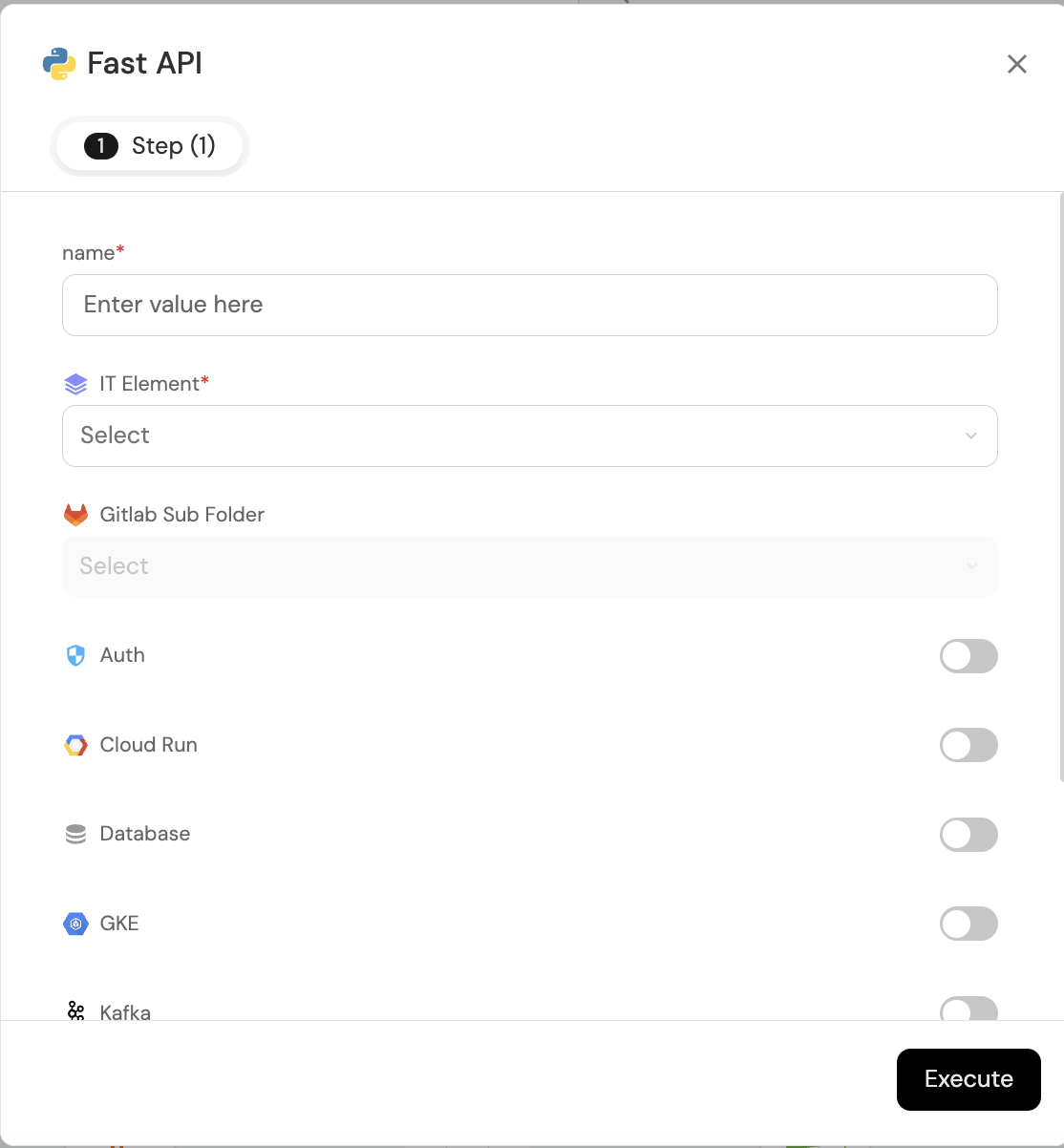
Parameters
- Name: The name your component will have.
- IT Element: Under which IT Element the component will be placed
- Gitlab Sub Folder: This parameter refers to whether you want to place it inside a subfolder within the GitLab repository; otherwise, it will be in the root directory.
- Go to the Latam init Templates menu
Best Practices
- Document: Provide clear documentation along with your templates to make them easier for other developers to use.
- Regular Updates: Review and update your templates periodically to incorporate new best practices and tools.
- Review Feedback: Allow your team members to contribute suggestions to improve the templates.