Enabled IT Element (Booster)
Initial IT Element provisioning action
Automates the delivery of base resources for developing an IT Element. With a single click, you get full enablement so the developer can start coding immediately.
- Workload Identity configuration (function that allows Kubernetes workloads to authenticate with Google Cloud services using service accounts)
- Cloud SQL provisioning, PostgreSQL 15 instance (Architecture and infrastructure standards) with access via Cloud SQL Studio.
- Bastion Host implementation.
- External IP: an external IP is assigned for access to services.
- DNS: with the generated external IP, a DNS record is created in the
appslatam.comorapislatam.comzone as - applicable.
- App Register (Azure) creation and backend and frontend template deployment
- Environment variable creation (Resource Deployment Id)
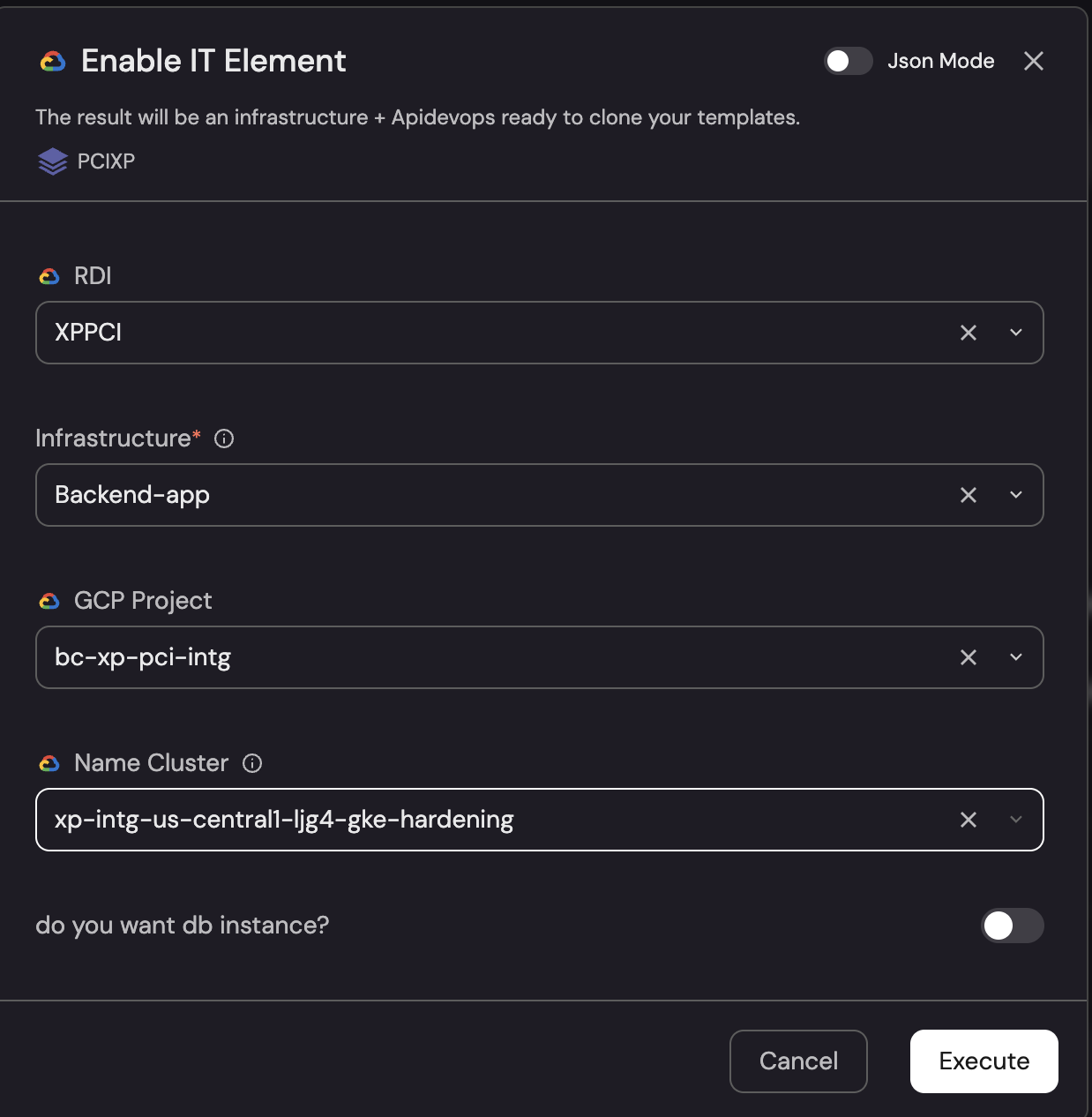
- Resource Deployment ID (CI/CD Variables): Select the infrastructure domain (e.g.: INFRADEV).
- Infrastructure: Choose the type of infrastructure to deploy (e.g.: Web-Application).
- GCP Project: Select the target GCP project (e.g.: trmdomain-dev).
- Name Cluster: Specify the name of the existing GKE cluster (e.g.: gke-01-us-east1).
- Type App: Define the application type (e.g.: WEB).
- Do you want db instance? -> E-mail: Enter the email of the responsible team (e.g.: grp_andes_devs@latam.com). Execute:
Process completed
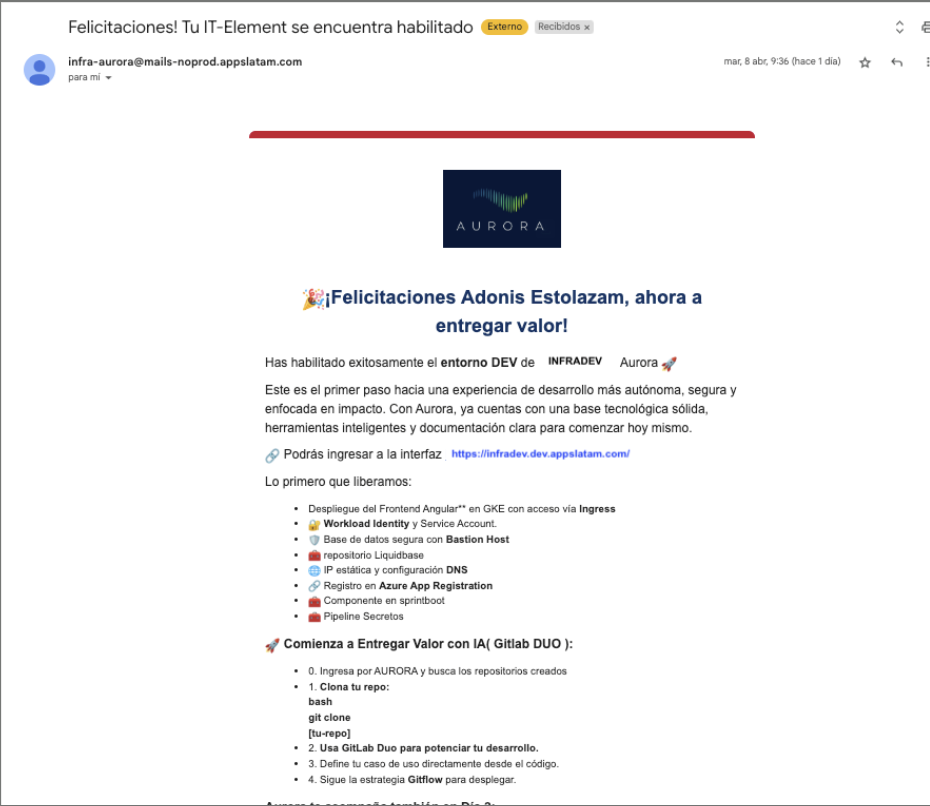
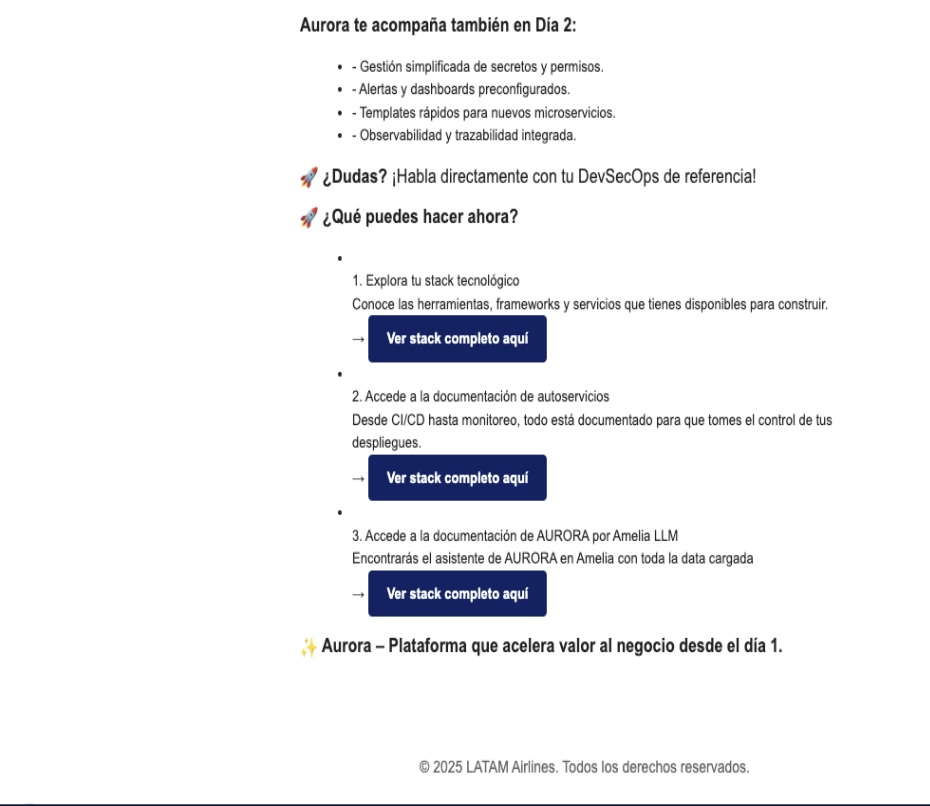
Once this process finishes, an email will arrive with all relevant information about the process, tips and documentation, along with the link to the deployed application for viewing